Streaming fundamentals
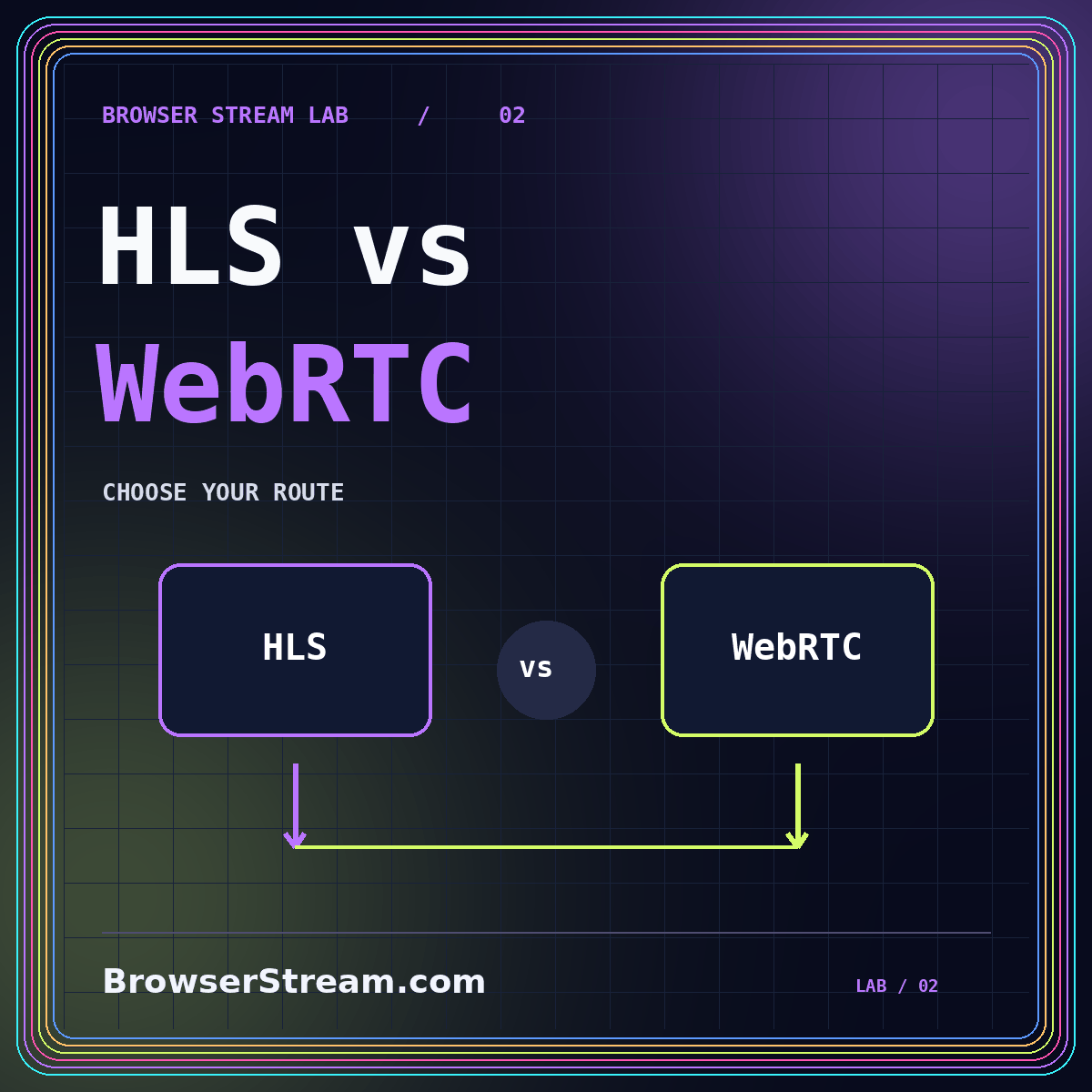
HLS vs WebRTC: choose a livestreaming route
Compare interaction, joining, recovery, captions, and operating responsibility before choosing your delivery path.
GO LIVE WITH A PLAN
Build the rehearsal before the broadcast.
Define the audience’s role before comparing livestream tools. Watching a lecture, asking an occasional question, and participating in a conversation are different experiences. Plan joining, recovery, captions, and recording alongside the delivery route.
Verify invitations, source sound, and audience roles.
Know who restores the stream and who explains the issue.
Inspect the actual replay, captions, and sharing settings.
Describe whether guests mainly watch or actively contribute. Use a rehearsal question to test the conversation rather than relying on a headline delay number. A hybrid event may use separate presenter and audience routes; verify how questions, captions, and access rules move between them before assuming that a provider handles the whole arrangement.
Apple’s HLS overview describes HTTP-based live and on-demand delivery. The name alone does not determine the complete viewing experience. Ask providers to demonstrate your source, account roles, recording path, and expected devices. Keep timing observations tied to the tested configuration, location, and conditions rather than presenting them as universal promises.
In a controlled test, disconnect the publisher, return as a viewer, and inspect the replay. Assign one person to restore the source and another to communicate with the audience. Put a simple fallback in the original invitation. A recovery plan is useful only when the people operating and attending the event understand it.
Apple: HTTP Live Streaming. Use the relevant provider’s documentation for its supported implementation; the checklists above are practical planning guidance.
IN BROWSER STREAM LAB
Read the detailed walkthroughs connected to this guide.
Compare interaction, joining, recovery, captions, and operating responsibility before choosing your delivery path.
Select complete thoughts, design readable crops, review captions, and keep every excerpt connected to its source.
QUESTIONS TO CLARIFY
No. Match responsiveness to the audience’s role and balance it with joining, recovery, and operating responsibility. Test the experience rather than selecting from one advertised number.
Treat it as a separate check. Review the actual replay as an ordinary viewer and verify what invited, uninvited, and removed participants can access.
A better browser stream begins with a better question.