Streaming fundamentals
Browser streaming: a practical beginner’s guide
Understand the source-to-screen journey, choose the right workflow, and run a useful first test.
BROWSER STREAM GUIDES
Make sense of browser streaming. Find practical guides to video, live events, private viewing, and the devices you use every day.
01 / CHOOSE YOUR PATH
A recording, a broadcast, and an interactive session need different plans. Start with the experience you want to create.
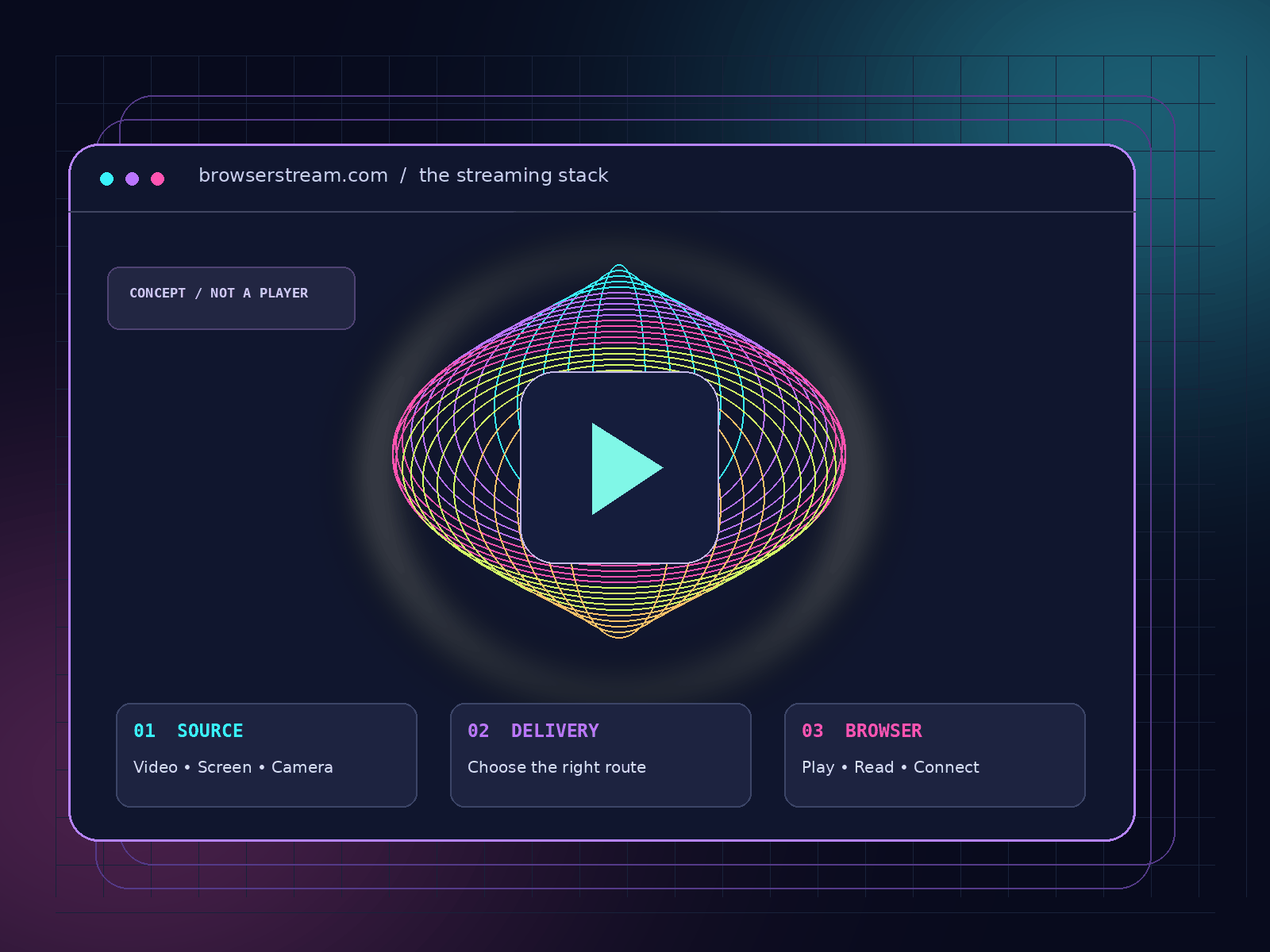
Understand what happens inside a tab—and which services still handle capture, delivery, access, and storage.
Explore the guidePut understandable sound, readable detail, captions, and clear playback controls ahead of a bigger resolution number.
Explore the guidePlan around the audience’s role. Compare joining, interaction, recovery, and replay before selecting a delivery route.
Explore the guide02 / KNOW YOUR ENVIRONMENT
Follow the route that matches your actual browser and operating system. Shared branding is not a compatibility guarantee.
03 / DEFINE THE BOUNDARIES
Local browsing history, an invited audience, and a retained recording are three separate questions. Give each one a deliberate answer before sharing the link.
What remains on a shared device?
Who can join, and how does access end?
Where do recordings and exports go?
04 / GO BEYOND PLAYBACK
When a browser stream becomes a work tool, access, context, and review matter just as much as the picture.
Plan authorized control, narrow roles, and an exit that actually ends the session.
Read the guideTurn caption drafts into reviewed text that follows the original recording.
Read the guideMake useful excerpts without losing the speaker’s context or the source.
Read the guideUse an approved viewing route and separate live access from retained footage.
Read the guideBROWSER STREAM LAB
Long-form guides with practical steps, clear limitations, and a focused source for the technical context.
Understand the source-to-screen journey, choose the right workflow, and run a useful first test.
Separate local privacy, invitations, account protection, recording, and retention in a deliberate viewing plan.
Turn automated text into a dependable caption workflow with source checks, timing review, and editorial approval.
A CLEARER START
A few distinctions make the rest of the journey easier.
Read the introductory guide ↗BrowserStream.com is an editorial guide library about streaming through browsers. It covers playback, live events, privacy, remote access, devices, captions, and publishing. It does not host streams or supply a remote desktop service.
Start with the Browser Stream guide to name the task and map the source-to-screen route. Then choose a device or workflow guide that matches your situation.
No. Use the actual device, browser version, player, and account in your test. The guides help you record the conditions and narrow a problem rather than assume every environment behaves identically.
Rehearse the real viewing link with an ordinary audience account. Check joining, audible speech, readable source material, captions, interruption recovery, and the fallback the audience will receive.
Name what you need to protect: a local session, access to a live event, remote control, or a recording. The private BrowserStream guide separates those responsibilities.
Follow the RSS feed in your reader, or use the Contact page to send a specific correction. No newsletter signup or account is required.
Choose a topic and take the next practical step.