A livestream for an audience and a conversation between participants can look remarkably similar on a website. Both have a player, sound, and moving images. Yet the design decisions behind them can be very different. A lecture can tolerate a short wait between the speaker and the audience; an interactive rehearsal becomes awkward when people repeatedly interrupt one another because responses arrive late.
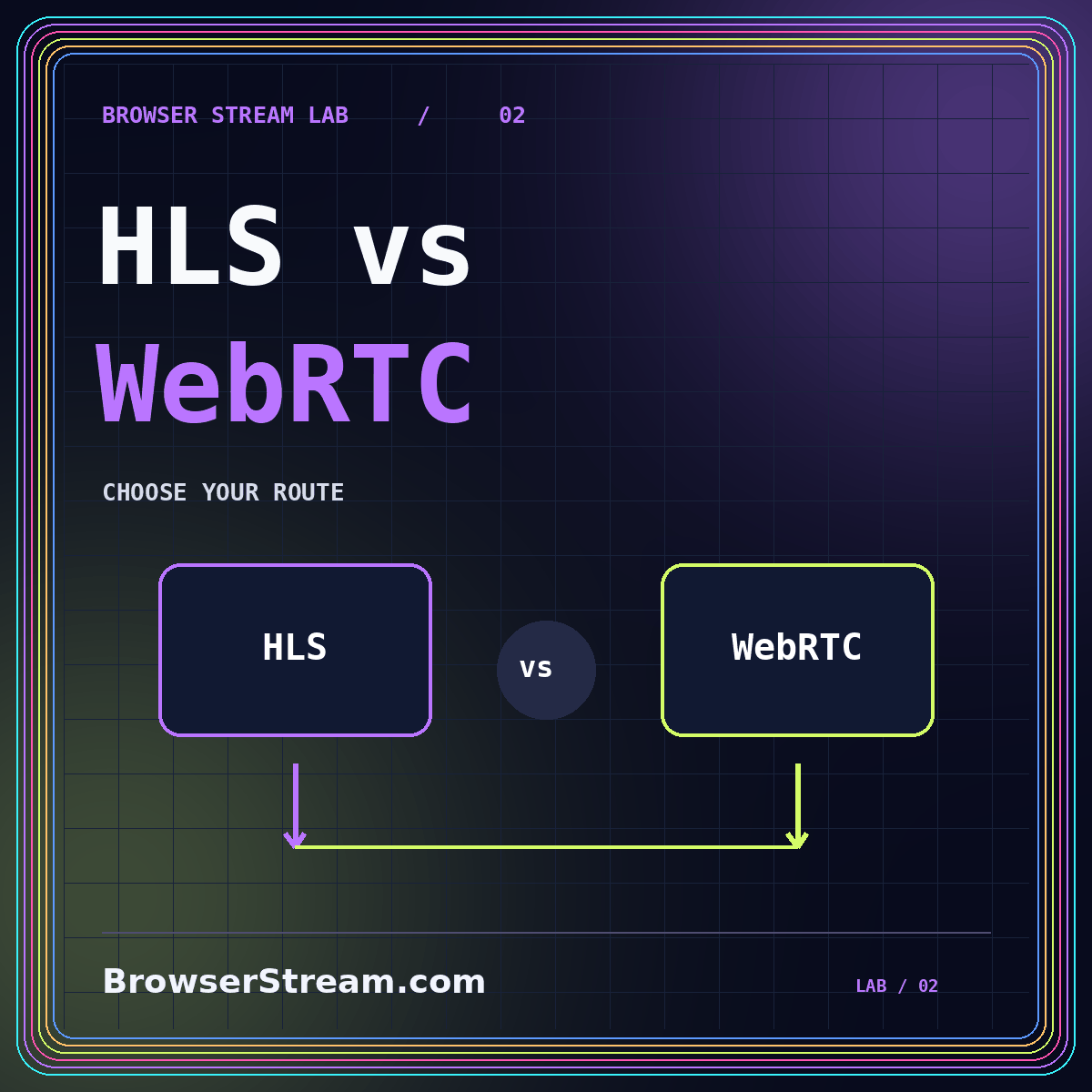
HLS and WebRTC are useful names to understand, but they should not become team loyalties. Start with your audience's role, the recovery plan, and the systems you can operate. This article offers a decision framework rather than a universal latency promise. The livestream BrowserStream hub places that decision inside a wider event checklist.
Begin with interaction, not a protocol label
Write down whether viewers mainly watch, occasionally ask questions, or continuously contribute audio and video. These three patterns lead to different priorities. Watching places emphasis on straightforward access and consistent playback. Occasional questions can be moderated through a separate channel. Continuous participation demands careful testing of the whole conversational loop, including capture, transport, playback, and human response.
Use a rehearsal question to make the difference concrete. Ask a remote participant to interrupt when a slide changes. Observe whether the presenter notices promptly and whether both people can speak naturally. Do not stop at a stopwatch measurement: ask whether the experience works for the planned discussion. A tolerable delay for a presentation may be unacceptable for a rapid demonstration.
A hybrid event can have two routes. Presenters may use an interactive room while the wider audience receives a broadcast. That is a design option to investigate, not a feature to assume. Confirm how questions, captions, recordings, and access rules move between the two routes.
What HLS contributes to the discussion
Apple describes HTTP Live Streaming as a way to deliver live and on-demand media using HTTP, with adaptation to network conditions. In a planning conversation, that points toward a viewing-oriented delivery approach. However, an HLS label alone does not tell you the exact delay, the player interface, the supported devices, or whether your provider has configured low-latency delivery.
Ask your provider which version of its workflow is being demonstrated. Test the actual publishing path, not a separate promotional example. Include the recording route if you need replay. A live configuration and an on-demand configuration can expose different operational choices, so one successful test should not silently stand in for both.
For an audience-facing event, pay particular attention to entry and recovery. How does the player behave when someone opens the link after the event begins? What happens after a brief network interruption? Can a viewer return to the current moment easily? Those answers can matter more than a headline timing claim.
What to ask about a WebRTC workflow
When evaluating a WebRTC-based service, ask how a participant joins, grants media permissions, and reconnects after a disruption. Also ask what infrastructure sits between participants and who operates it. Do not interpret “browser-based” as meaning that the complete service runs without servers, identity checks, or operational support.
Explore the difference between a viewing participant and a publishing participant. A guest who merely watches should not need the same capabilities as someone sharing a camera and screen. Test each role separately with a fresh invitation. Where the product allows it, assign limited roles rather than making everyone an administrator to avoid setup friction.
Ask the provider to demonstrate an ordinary difficult condition, such as a participant reconnecting after changing networks. Watch whether the invitation still works, audio returns correctly, and the participant understands what to do. A recovery that only an engineer can complete may be unsuitable for the audience even when the media path itself is technically impressive.
Measure an experience, not one convenient number
Separate time to first picture, delay from action to display, and recovery time after interruption. These describe different experiences. A stream might start promptly but show an event noticeably behind real time. Another might feel responsive once connected but require an uncomfortable joining process. Record both rather than collapsing them into a single “speed” result.
A practical rehearsal method
Place a visible clock or numbered cue in the source scene. Have a remote tester record the displayed cue and describe the sound. Repeat at several moments instead of selecting the best observation. Label the results with the tested devices, locations, service settings, and date so the numbers remain tied to their conditions.
Include someone outside the production team. They should follow the same invitation your audience will receive, without private instructions. Ask them where they hesitated, whether the controls were understandable, and how they found help. This measures the joining experience that an internal technical test often overlooks.
Compare failure and recovery paths
Create a rehearsal script with a disconnected microphone, a lost publisher connection, an expired invitation, and an accidental tab closure. Do not create unnecessary risk during a real event; use a controlled test. Assign one person to restore the source and another to explain the interruption to viewers.
For each scenario, decide what the audience should see. A clear holding message is preferable to an unexplained frozen frame. Check whether a recording continues, stops, or needs to be restarted. Document the behavior observed in your chosen service rather than assuming that another platform's recovery instructions apply.
Keep the fallback understandable. “Use the second link in your invitation” is easier to act on than a long emergency message introducing a different account system. Verify that the fallback preserves the intended access restrictions. A private event should not become public simply because the main publishing route failed.
Account for the whole operating cost
Build a comparison sheet around the event you actually plan to run. Include expected audience size, duration, number of presenters, recording needs, caption work, and operator time. Request the provider's relevant limits and billing explanation. Do not use a generic per-minute price as the whole budget when supporting services may be charged differently.
Include maintenance responsibilities for any self-managed components. Someone must own updates, access configuration, monitoring, and recovery. A team that values control may accept that work, while another may reasonably prefer a managed service. Neither choice eliminates the need to rehearse.
Consider the cost of complexity as well. Every additional relay, invitation route, or publishing destination is another item on the operating checklist. Add a component only when it solves a requirement you can describe. A simpler setup that passes the audience test is usually easier to explain and hand over to another operator.
Make captions and recordings part of selection
Ask where captions enter the workflow and how the replay obtains them. Test speaker names, specialized terms, and changes between presenters. Do not assume that captions visible to a presenter are visible to the public audience. Similarly, confirm whether the recording includes the intended slides, shared screen, and audio mix.
Review a sample recording from the rehearsal, not merely its existence in a dashboard. Play the beginning, an interruption, and the closing segment. Check that an editor can obtain the files they need under the agreed permissions. Our AI caption review workflow provides a separate quality-control process for that stage.
Frequently asked questions
Can I change delivery methods after choosing a provider?
Ask the provider before committing. A change may affect publishing, player integration, captions, and recording rather than being a single switch. Request a demonstration of the proposed alternative using your workflow. Keep the current tested route available until the replacement passes the same joining and recovery checks.
Which approach is cheapest for a small event?
There is no complete answer from the protocol name alone. Compare the provider quote, audience and duration assumptions, required support, and the work your team must perform. Include the cost of a rehearsal and a fallback. A free entry plan is useful only if its limits fit the actual event.
Conclusion: select the route that passes your test
Choose around participation, joining, recovery, accessibility, and operating responsibility. Treat HLS and WebRTC as useful technical context, not complete product specifications. Keep your comparison evidence tied to the configurations you tested, and repeat the rehearsal after meaningful changes. The strongest choice is the one your team can operate and your audience can use under realistic conditions, with a fallback that is already understood.